 Magpie
Undo mistaken edits to your Shopify products
Magpie backs up your products every day and shows you line by line what changed. Pick only the fields or items you want back, and restore them without rolling back the rest of your store.
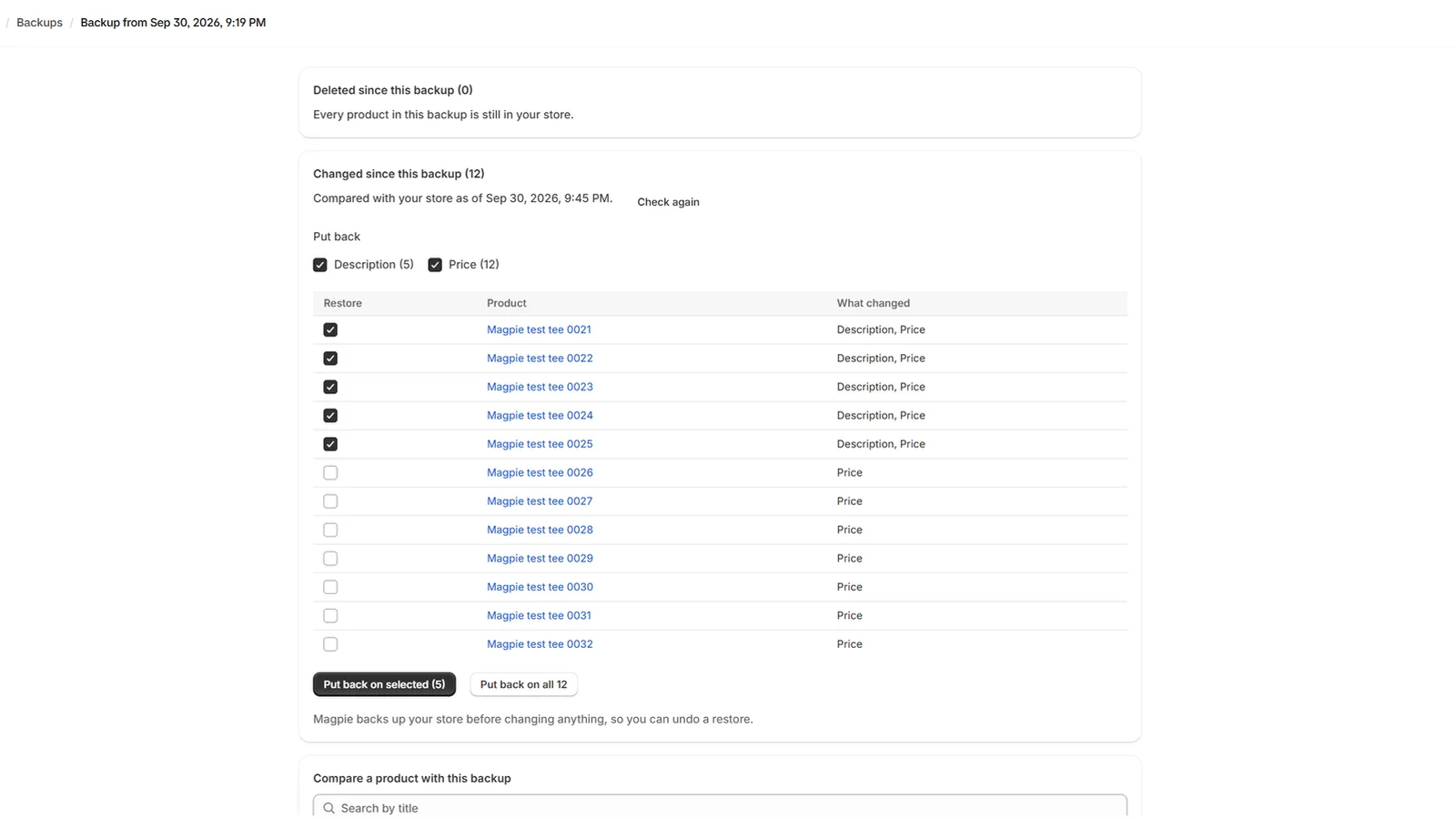
What Magpie does
- Backs up every product once a day automatically, keeping 30 days of history.
- Shows what changed on any product since a backup, field by field.
- Restores an individual field, such as a price, while keeping newer edits to other fields intact.
- Reverts bulk edits and bad CSV imports across all affected products at once.
- Restores deleted products complete with variants, images, and inventory tracked per location.
- Restores manual collection sorting order, and takes a fresh backup before every restore so you can undo the restore itself.
What it does not do
- It cannot restore changes made before Magpie was installed.
- It backs up products, per-location inventory, and manual collection orders; it does not back up orders, customers, themes, or pages.
- It does not keep backups older than 30 days.
Price
$9 a month or $90 a year, with a 7-day free trial, billed directly through Shopify. The app is currently in review on the Shopify App Store, and the install link will appear here as soon as it is approved.
Guides
- How to undo a bad CSV import in ShopifyShopify has no undo for a CSV import. Where your old product values may still live, and the safe order to put them back.